Adjust Panels Tab
Add fixed height dimensions, fixed width dimensions or bulkheads to individual panels.
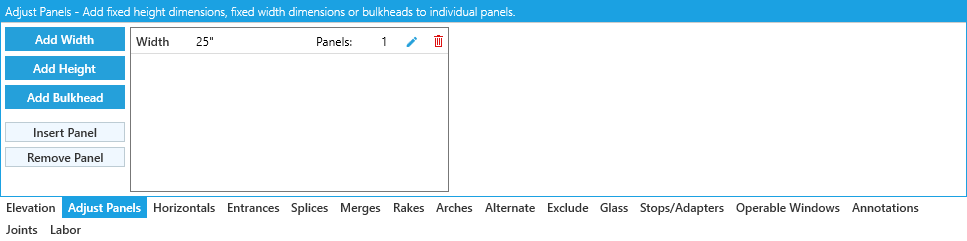
This tab lists all panel adjustments in this elevation with buttons to edit or delete them. If adjustments haven't been added, the list will show No Panel Adjustments instead.
Adding Adjustments
-
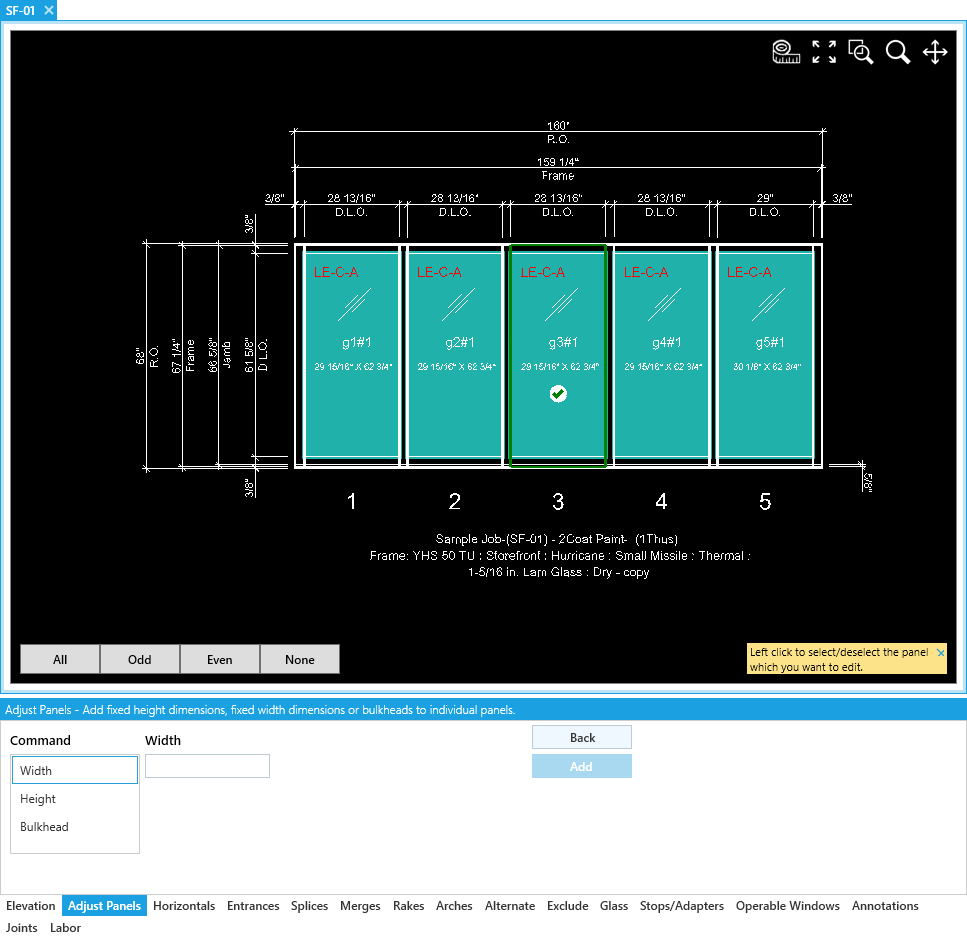
Add Width- Select panels and add a fixedWidthto them. -
Add Height- Select panels and add a fixedHeightto them. This is measured from the bottom of the panel. -
Add Bulkhead- Select panels and raise their sill by theBulkhead Height. -
Insert Panel- Select a vertical frame to split and clickInsert Panelto confirm. -
Remove Panel- Select a panel to remove and clickRemove Panelto confirm.
Though the result is the same, Insert Panel / Remove Panel gives you more control over changes to panel layouts than changing the number of panels in the Elevation tool tab.
This can be especially helpful when you need to adjust your panels after setting other elevation rules.
Confirm / Return
Click Add to confirm your setting.
Click Back to return to the list of all adjustments.