Joints Tab
info
The Joints tool tab helps visualize where each joint type is applied in your current elevation.
For details on setting or changing joint assemblies, see Configuration - Joints.
Visualize the joints in your current elevation.
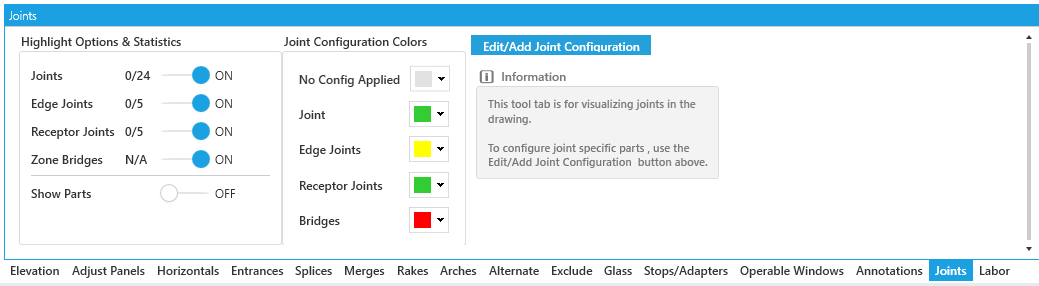
Settings
-
Highlight Options & Statistics- Individual toggles for each joint type with a summary of their counts. -
Show Parts- Toggle part number labels for visible joints. -
Joint Configuration Colors- Set the color of each joint type. -
Edit/Add Joint Configuration- Opens the joint configuration window for this Framing System.