Merges Tab
Combine two or more adjacent panels together.
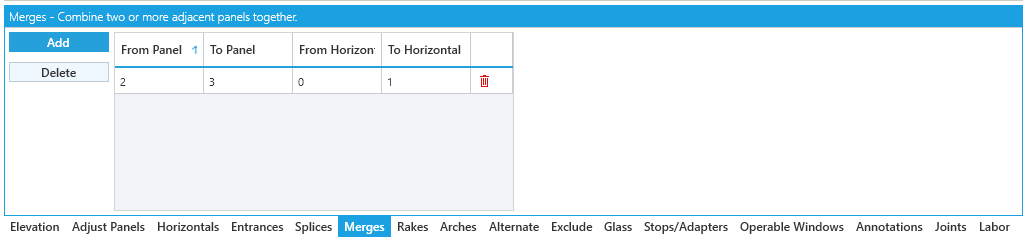
This tab lists all applied merges in this elevation with a button to delete them. If merges haven't been added, the list will show No Merges instead.
Merging Panels
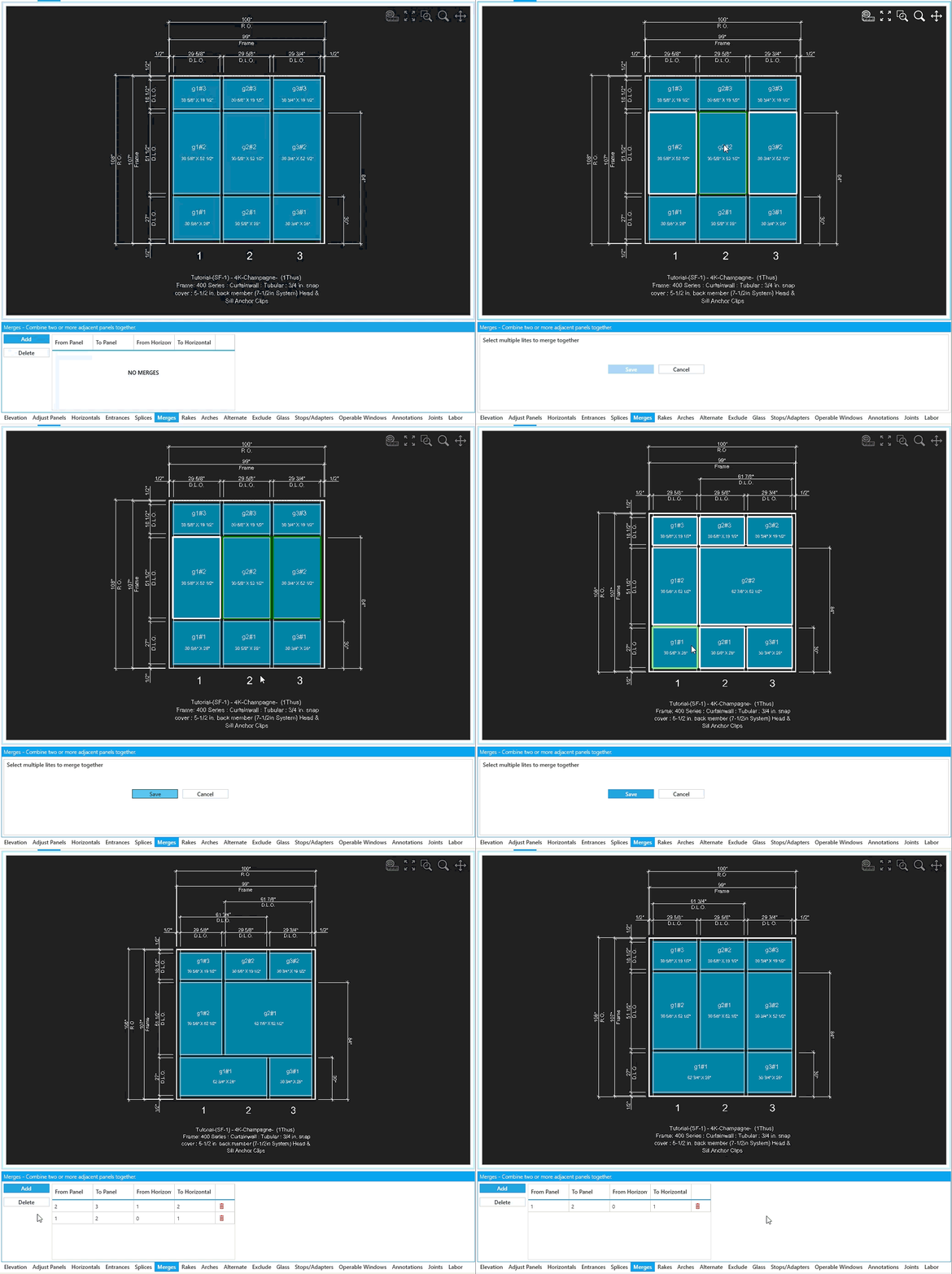
Click the Add button to create a new merge condition.
Your tab will switch to a new view where you can select the panels you want to join together.
tip
Merges only apply to vertical framing. For partial horizontal framing, adjust your settings in the Horizontals tool tab.
Process
- Click
Addto start a new merge condition. - Select two or more panels to merge.
- Confirm your choices.
Confirm / Return
Click Save to confirm your selection and apply them to the elevation.
Click Cancel to return to the list of all merges.