Job Alerts
WinBidPro 16 will perform various checks automatically and alert about problems and potential problems using the Job Alerts view.
The kinds of things it can catch are:
- Misconfigured parts - In some scenarios the program will see when you have entered a part in the wrong component or if the part has incorrect settings
- Missing system components - For instance, if you have glass next to an entrance, but there is no pocket filler configured for the door jamb, job alerts will warn you about it.
- Issues with elevation commands - For example, if you add an entrance and a later change to the elevation causes a conflict with the entrance.
- And more!
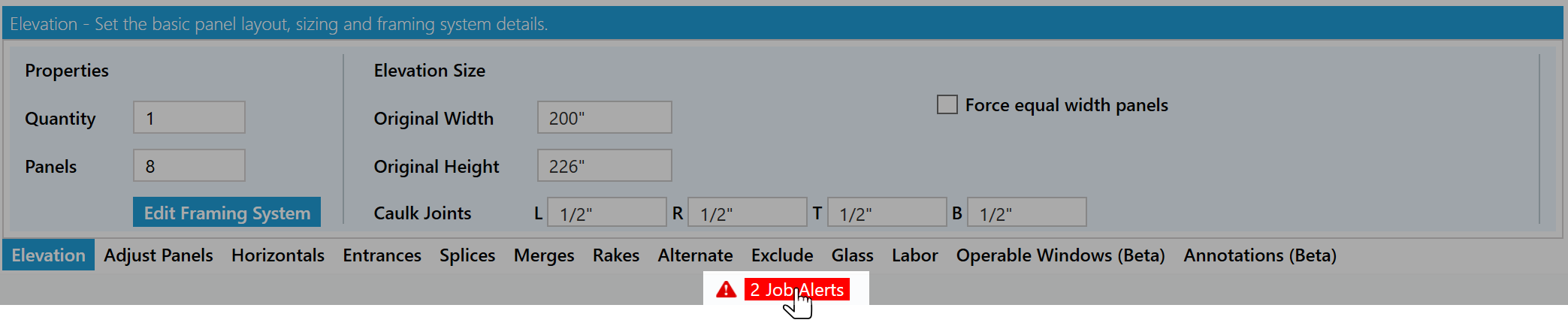
To navigate to the job alerts view click the Job Alert Status icon beneath the elevation tool tabs or by clicking Job > View Job Alerts in the main menu.
Job Alert Columns
-
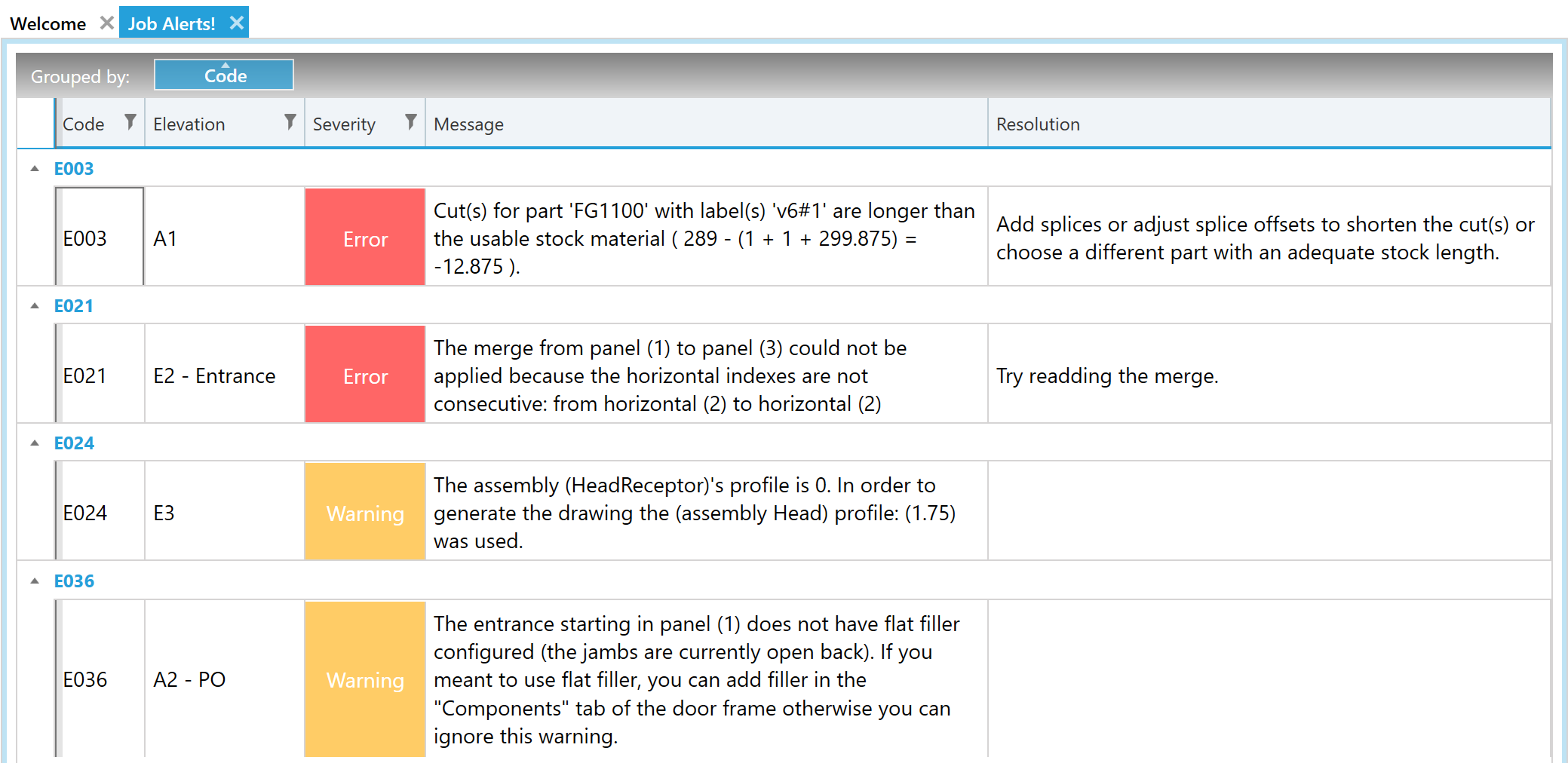
Code- The unique identifier for this type of alert. -
Elevation- The name of the elevation with an issue.- If this is blank then the error is for a conflicting system setting.
-
Severity- The current types of severity are Error or Warning. -
Message- A description with information on what caused the error. -
Resolution- Some steps or place to go to resolve the alert.
Silence a Warning
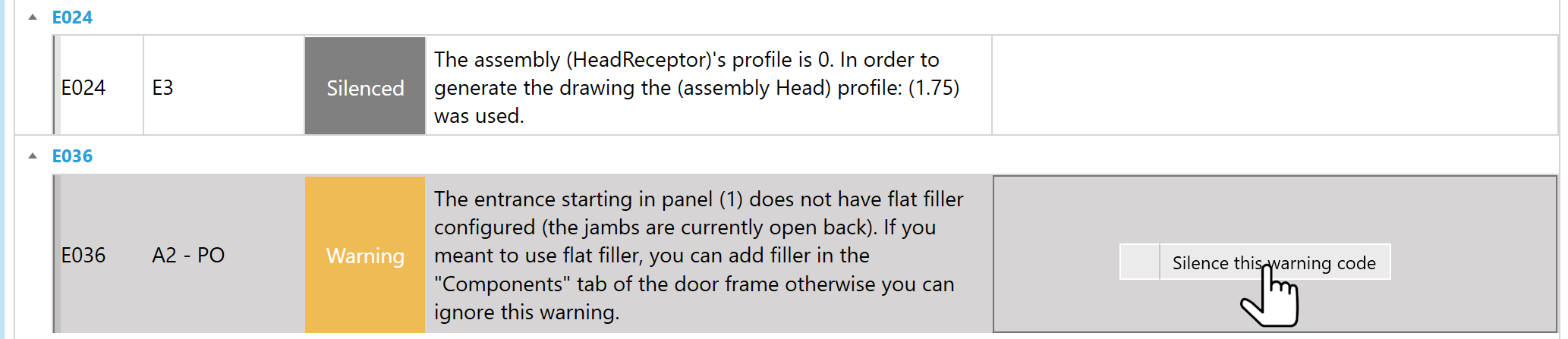
Warnings are reminders or notes of potential issues. You can silence them by right clicking a row.
Want an alert added for something? Send us suggestions at https://feedback.winbidpro.com/