Job Window & Tabs
This sections covers the main workspace of WinBidPro, where Elevation views and most Reports can be docked as tabs.
Organizing Tabs
-
Clicking and dragging the tab at the top of the view will detach it from the app. You can reattach a floating window by dragging back over the main workspace.
- See Setting Up Your Workspace for details on this this and more.
Tab Windows
Elevation Views 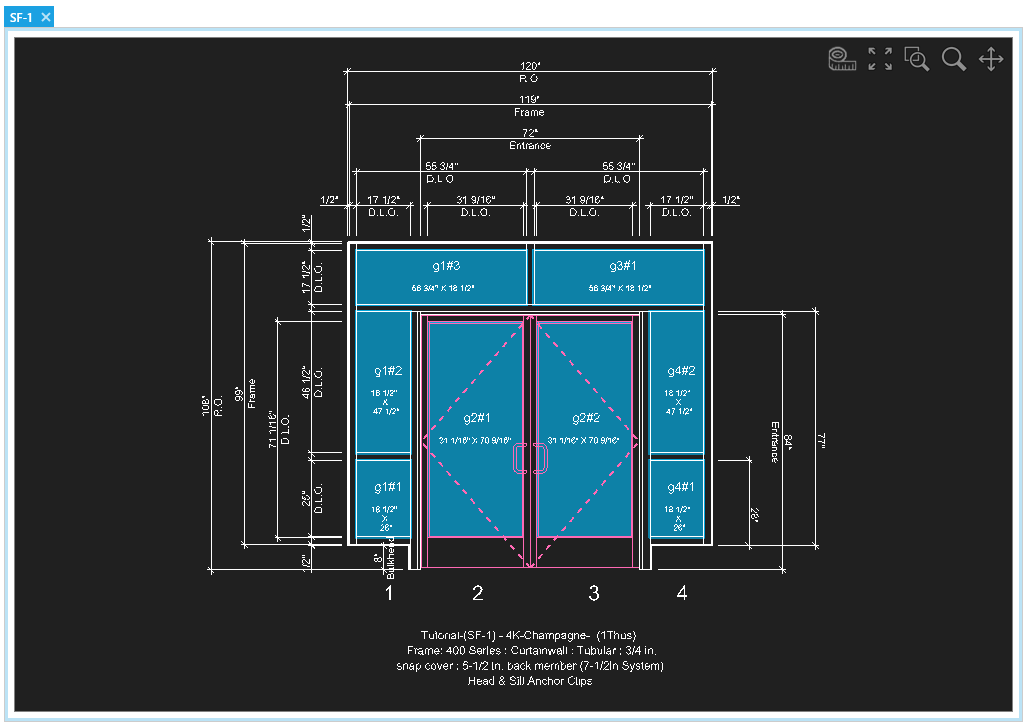
Selecting an elevation from the Job Explorer will open a tab for that elevation.
-
This CAD view will update as your refine your elevations.
- See the Drawing Elevations section for more details.
-
See Navigation - CAD Views for more info on how to use CAD views like this one.
Reports 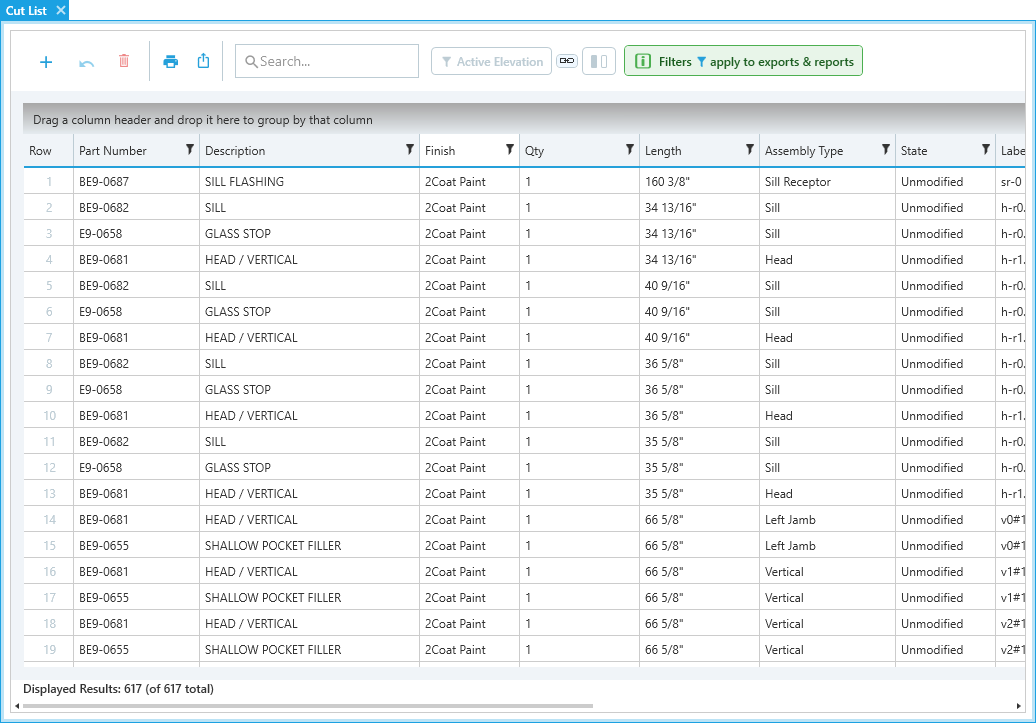
Most reports in the Reports or Job menus will open the window as a tab by default.
-
See the Finalizing Your Estimate section to learn more about reports.
-
See Grouping & Filtering Lists to learn more about organizing these views.